
Count the most frequently used words / keywords from within your HTML or Text. You can automatically exclude common words such as "the" & "and". The count & percentage is outputted for each word, which you can then copy to clipboard or save as txt or csv file.
No text is stored by this tool. Everything is processed locally in your browser, so no-one except you can view your content.
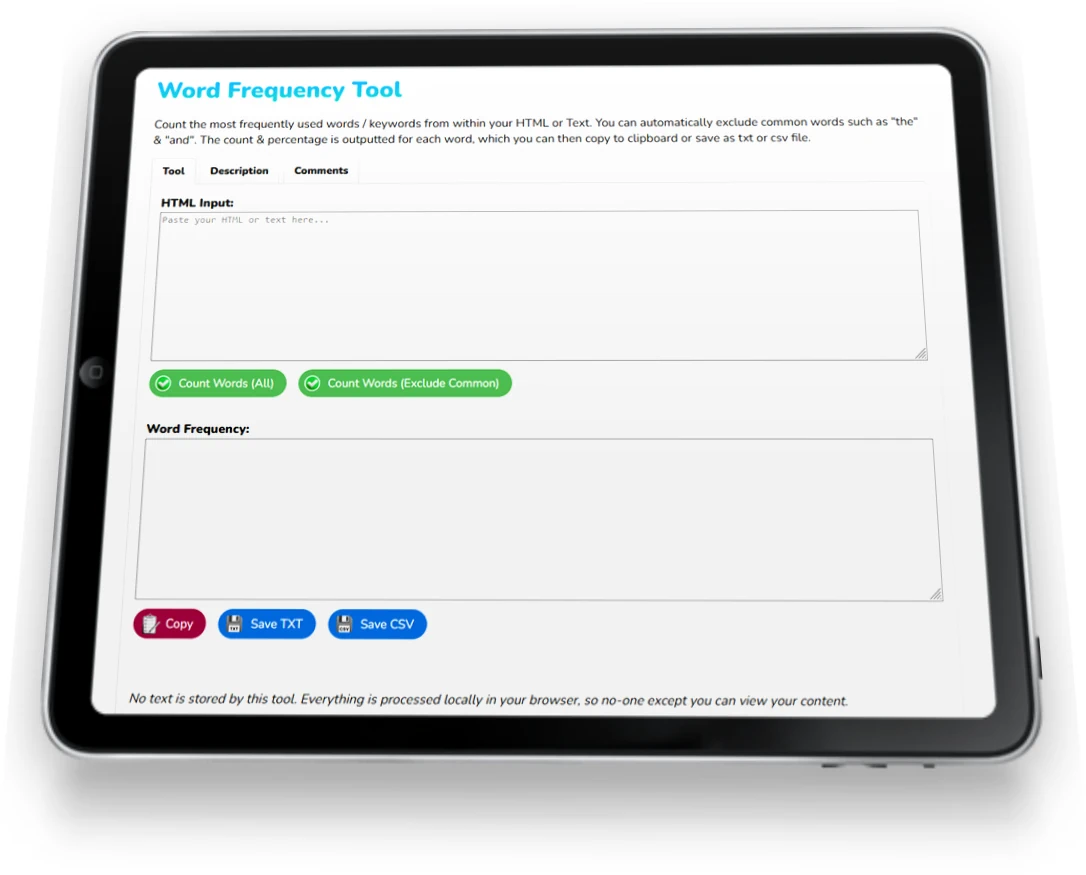
I built this online tool to give you an easy method of establishing the most frequently used words in your text or html - handy whilst developing websites.
The first incarnation just outputted all the unique words and their usage count.
Quite useful, but not ideal - the top of the charts were dominated by common words like "the", "to" & "and", so you still had to sift through the results.
So I added the "exclude common words" function, which excludes 128 of (in my opinion) the most regularly used words in the English language.
It's not perfect; I'm sure I've missed one or two, but it makes the tool a lot more user friendly.
This latest version now:
Prefer to just count the number of words, sentences, paragraphs etc? Use my word count tool instead.
Leave me a review, make a suggestion for improvements etc. Thanks, Joey
View more of my web design tools below, or return to my homepage.
Here are a selection of web design tools I've created to save you time when developing websites.
CSS Code Formatter - this tool formats your CSS code into neat single lines for easy efficient editing
E-mail Extraction Tool - Extract e-mail addresses from text or HTML, remove duplicates, filter, sort, and export as txt or csv.
HTML Cleaner - this formats & optimises HTML code online, removing scripts, ids, classes etc leaving the raw clean code behind.
HTML to Text Converter - this removes all html tags, javascript, CSS etc leaving you with nicely formatted clean text.
List Comparison - Compare 2 lists online to find duplicates, identify unique items from each list, and merge lists with duplicates removed. You can also alphabetise lists & copy them to clipboard.
List Management - Edit a list online with my free management tool - Search & replace, change order & case, delete lines by keywords, trim lines, remove numbers & letters, add a suffix and prefix to each item in your list, and download the end results!
Remove Accents & Special Characters - Convert accents, diacritics & special numbers to clean, plain text, which you can save or copy to clipboard.
Remove Extra Spaces - Remove extra spaces from your text, as well as empty lines, leading & trailing spaces from each line. Or add double spaces (or new lines) after each sentence. Or remove every single space!
Search & Replace Tool - with multiple search and replace inputs, Undo action, Revert back to the original text and Copy to clipboard. You can also specify whether searches should be Case Sensitive and/or whole words.
URL Extraction Tool - Extract all URLs from HTML or Text input. Duplicates are removed, convert to lowercase, Sort A-Z, Remove Internal URLs, and Copy to Clipboard.
Word Count - Calculate the number of paragraphs, sentences, lines, words and characters within your text.

I'll send you a FREE Quote!
No obligation whatsoever.
I just need a few details :)